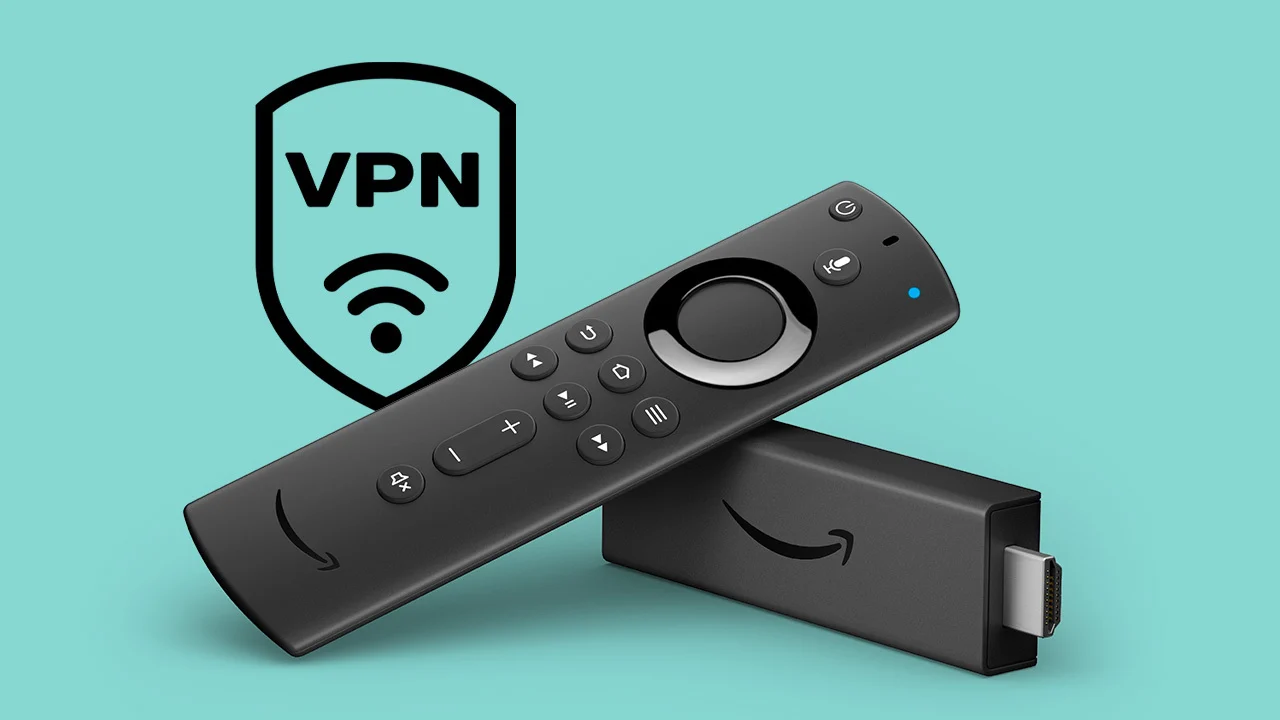
Installing a VPN on your Fire Stick is essential to bypass geographical restrictions for more content streaming options, stop ISP throttling, and enhance privacy by hiding your streaming habits from trackers and hackers.
INSTALL A VPN NOW!
To add a VPN to a Fire Stick, the easiest way is to find and download the VPN’s app directly from the Amazon Appstore on your Fire stick, then log in and connect. If the VPN of your choice is not listed in the Amazon Appstore, you can use the Downloader App.
Get a VPN Subscription: Sign up for a VPN service (there are plenty to choose from, such as ExpressVPN, NordVPN, Surfshark, or IPVanish) on their website and get your login details.
Search for the App: On your Fire Stick home screen, go to the search icon (magnifying glass) and type the name of your VPN provider.
Download & Install: Select the VPN app from the results and click “Get” or “Download”.
Log In: Open the app, enter your VPN username and password, and log in.
Connect: Select a server location and click the connect button to start your VPN.